MGO icon
Unit 2
Home About Me Units GCSE's Contact me
// folder & files

πŸ“ What's in this unit

Unit 2 covers how technology systems work β€” from the physical hardware inside a computer to how software, data and people interact with it.

The work includes revision worksheets, an exam task, independent programming tasks, data types activities, a quiz PowerPoint, a Publisher poster and two advertisement posters.

Files are saved in a variety of formats: .docx, .pptx, .pub and .png β€” showing awareness of appropriate file formats for different types of work.
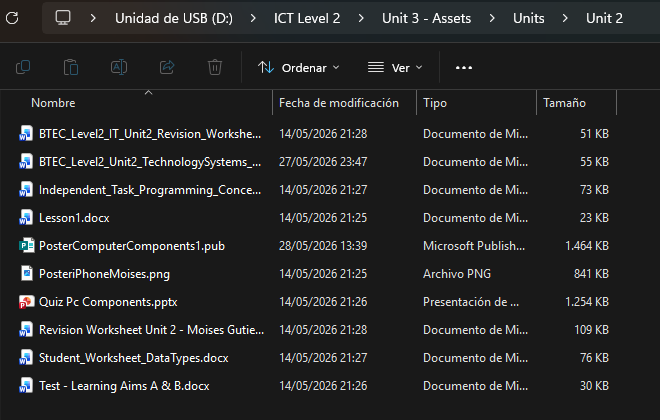
Unit 2 folder contents
Unit 2 folder β€” all files listed
// tasks & worksheets
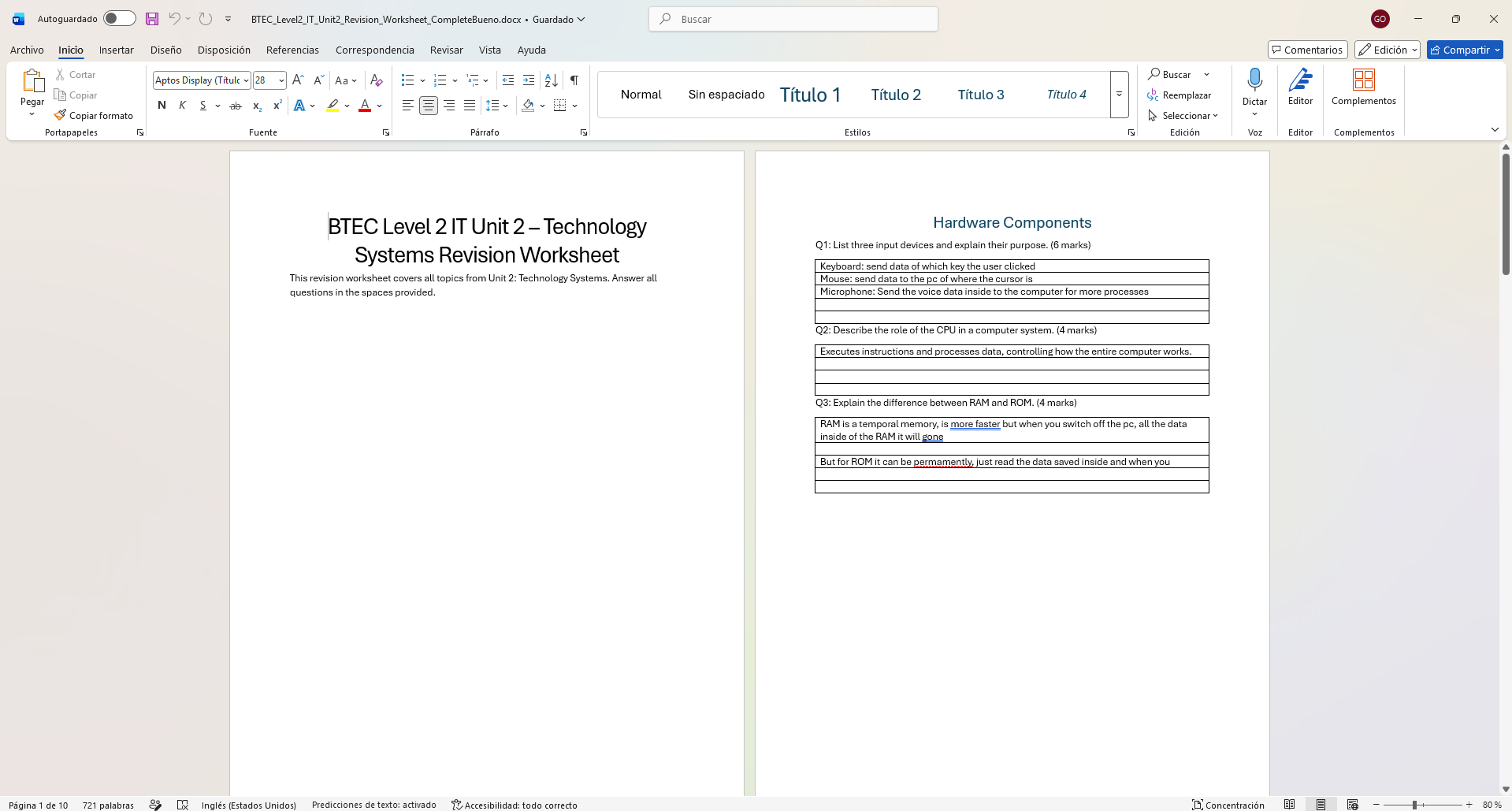
Revision Worksheet
Revision Worksheet β€” completed Q&A on hardware
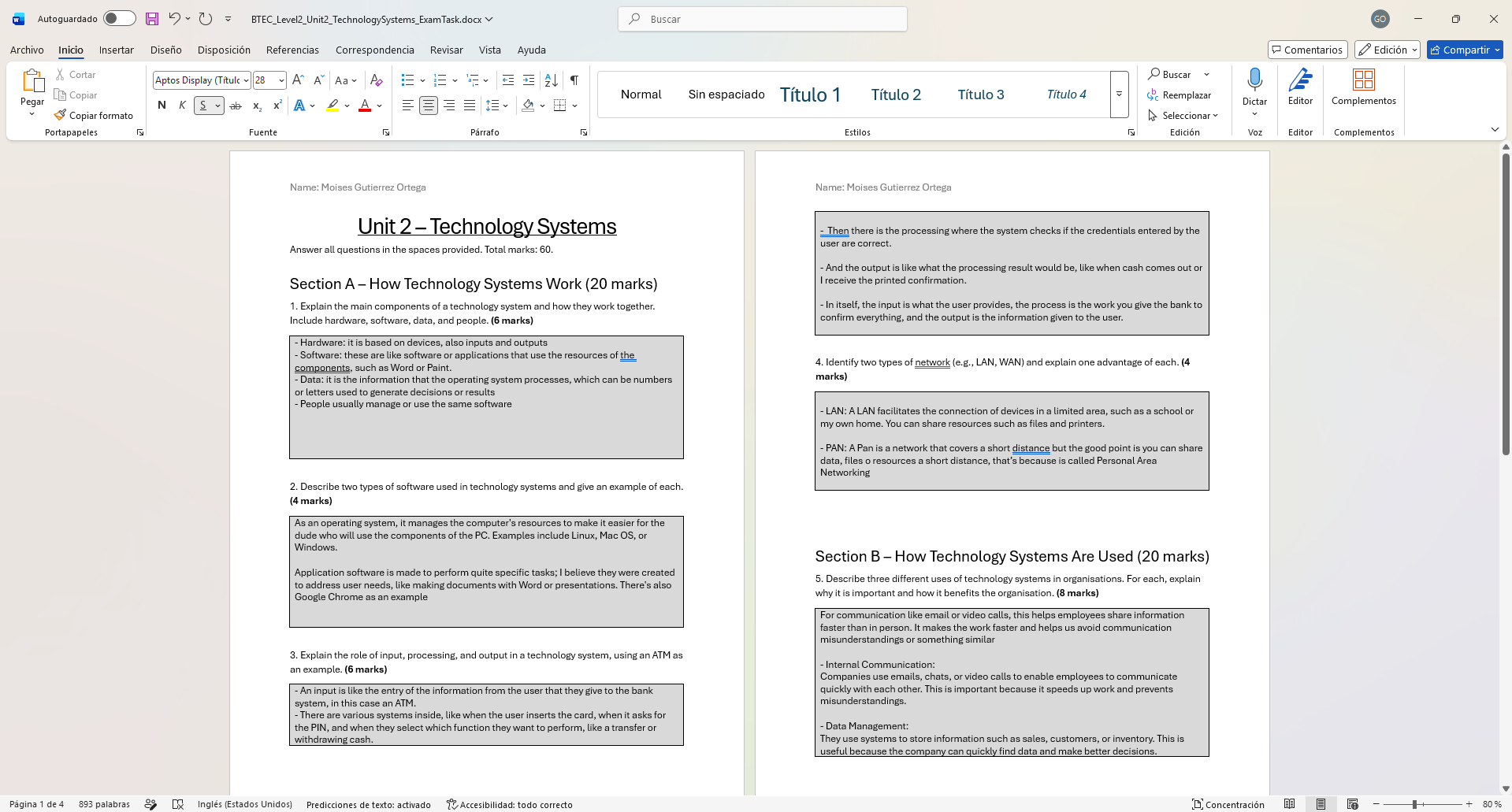
Exam Task
Exam Task β€” hardware, software and technology systems
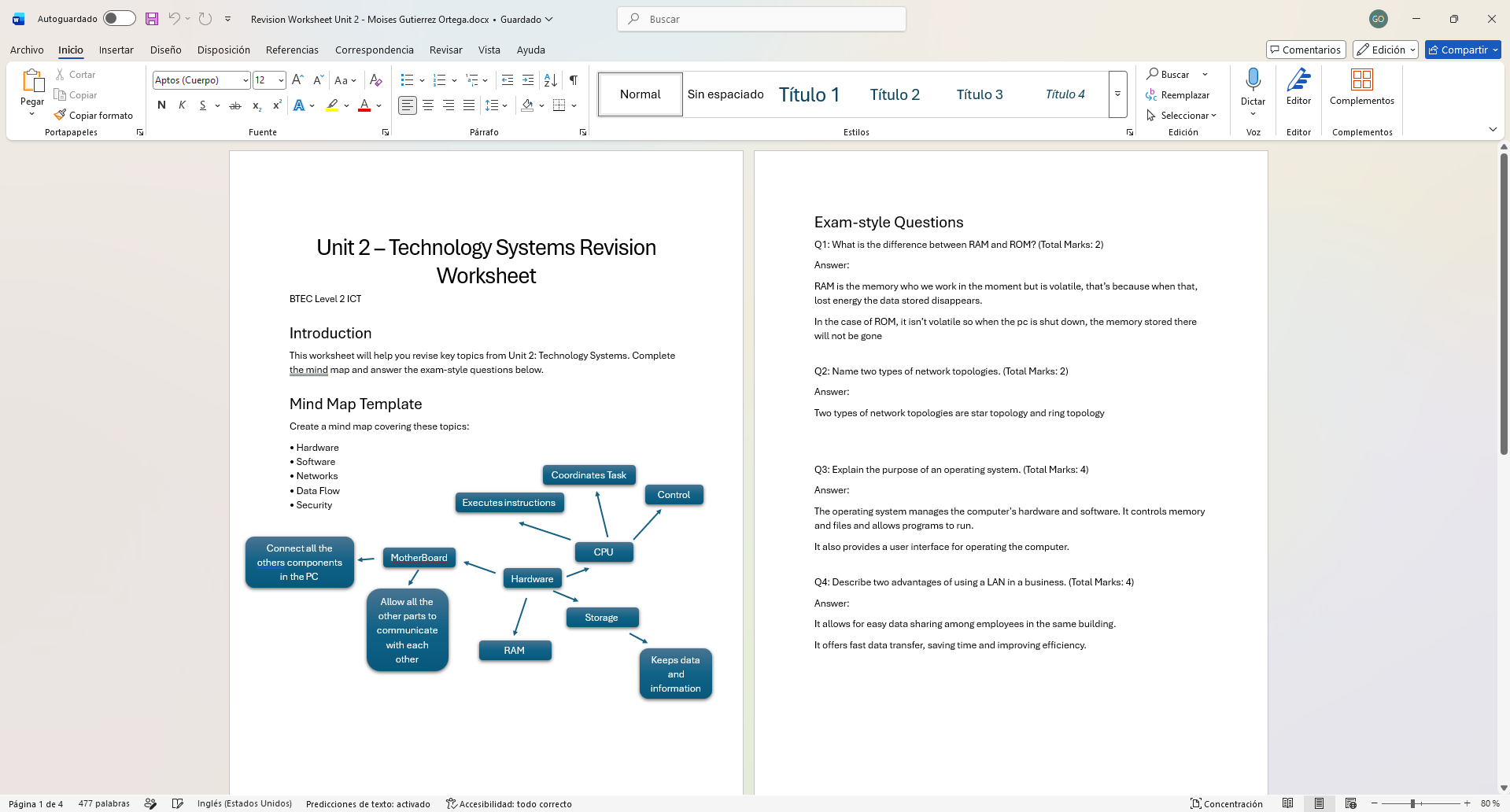
Revision Worksheet 2
Revision Worksheet β€” mind map of hardware components
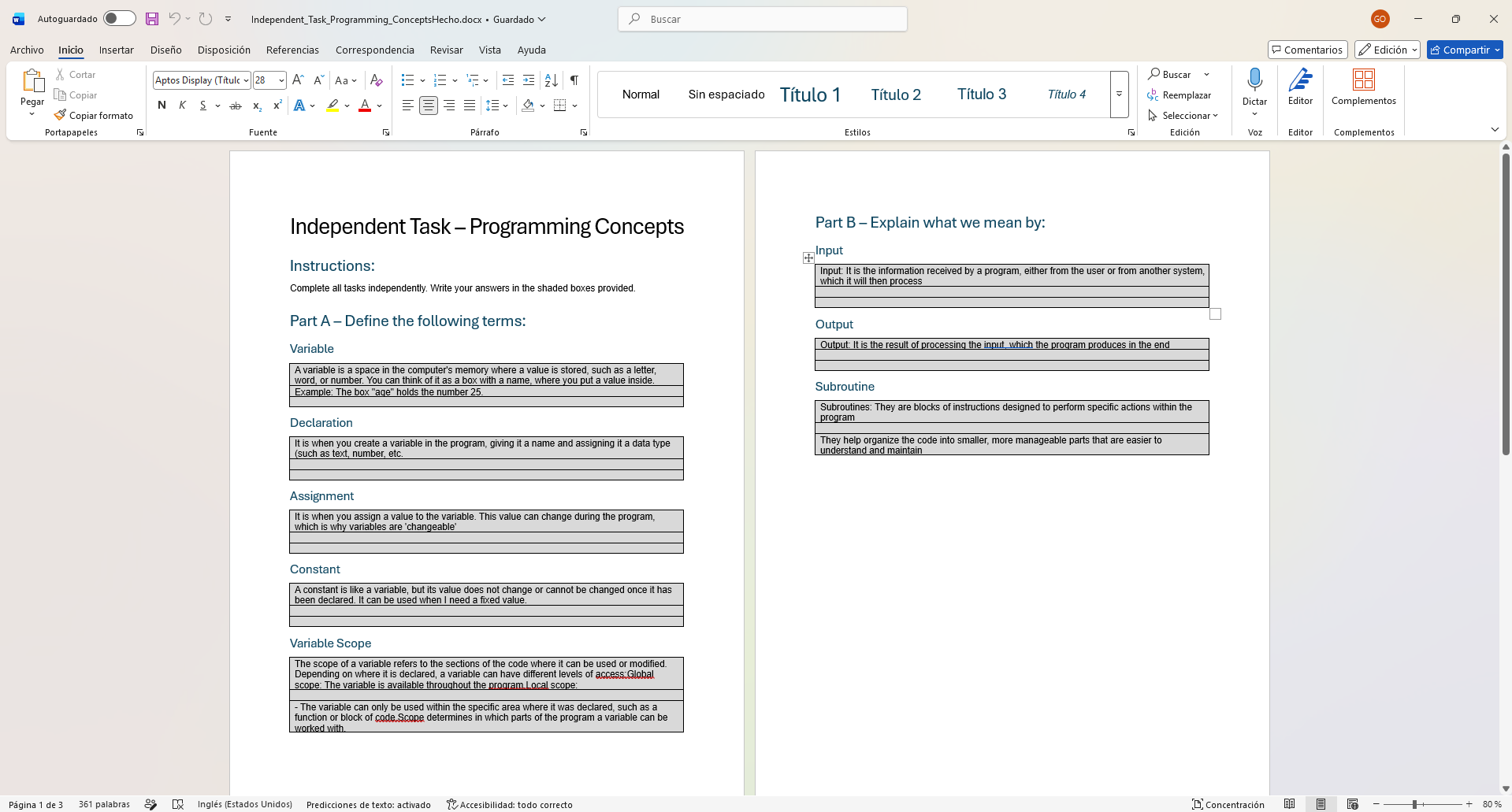
Programming Concepts
Independent Task β€” programming concepts: variables, declarations, assignments
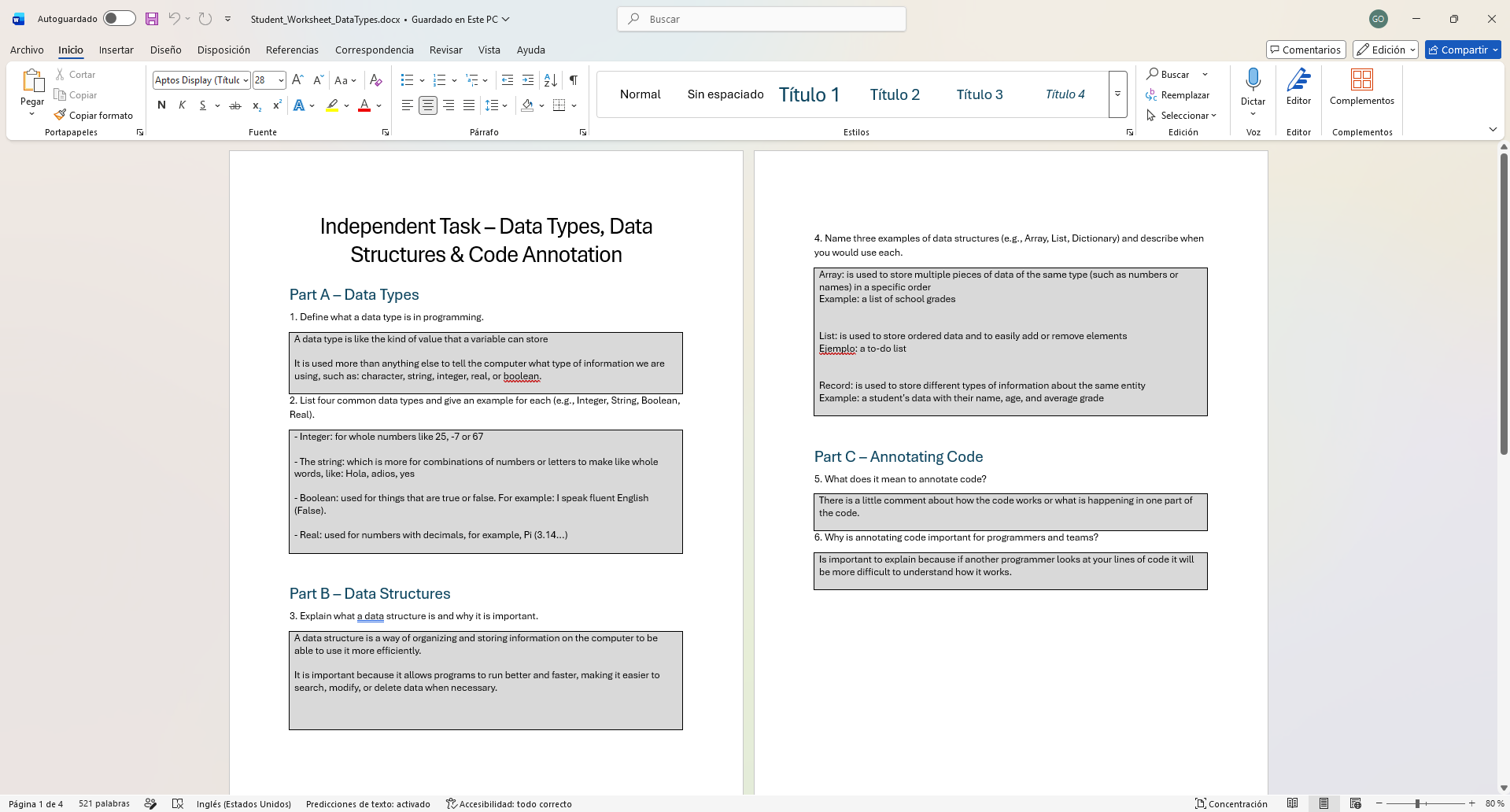
Data Types Worksheet
Student Worksheet β€” data types, data structures & code annotation
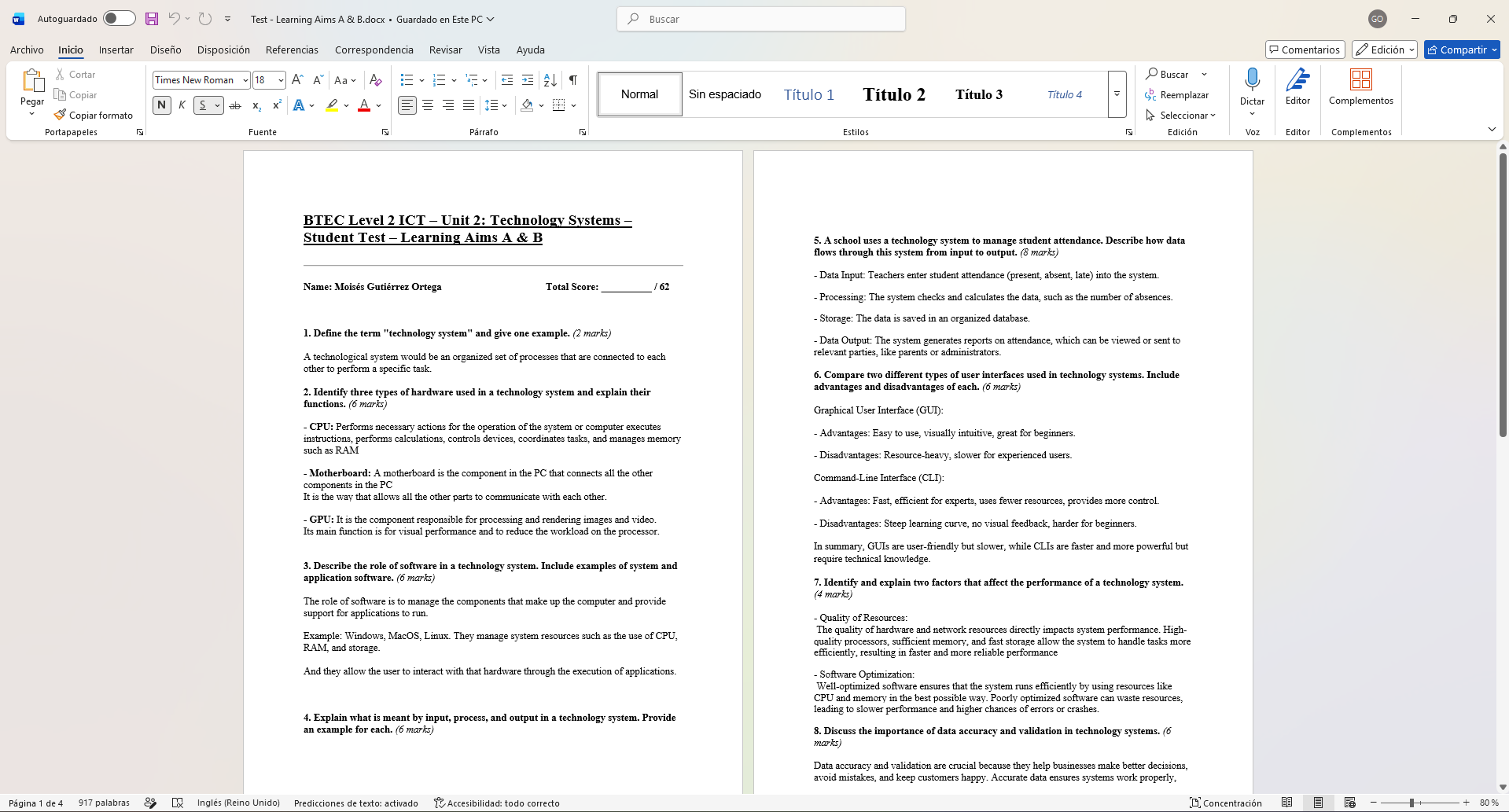
Test Learning Aims
Test β€” Learning Aims A & B
// presentations & lessons
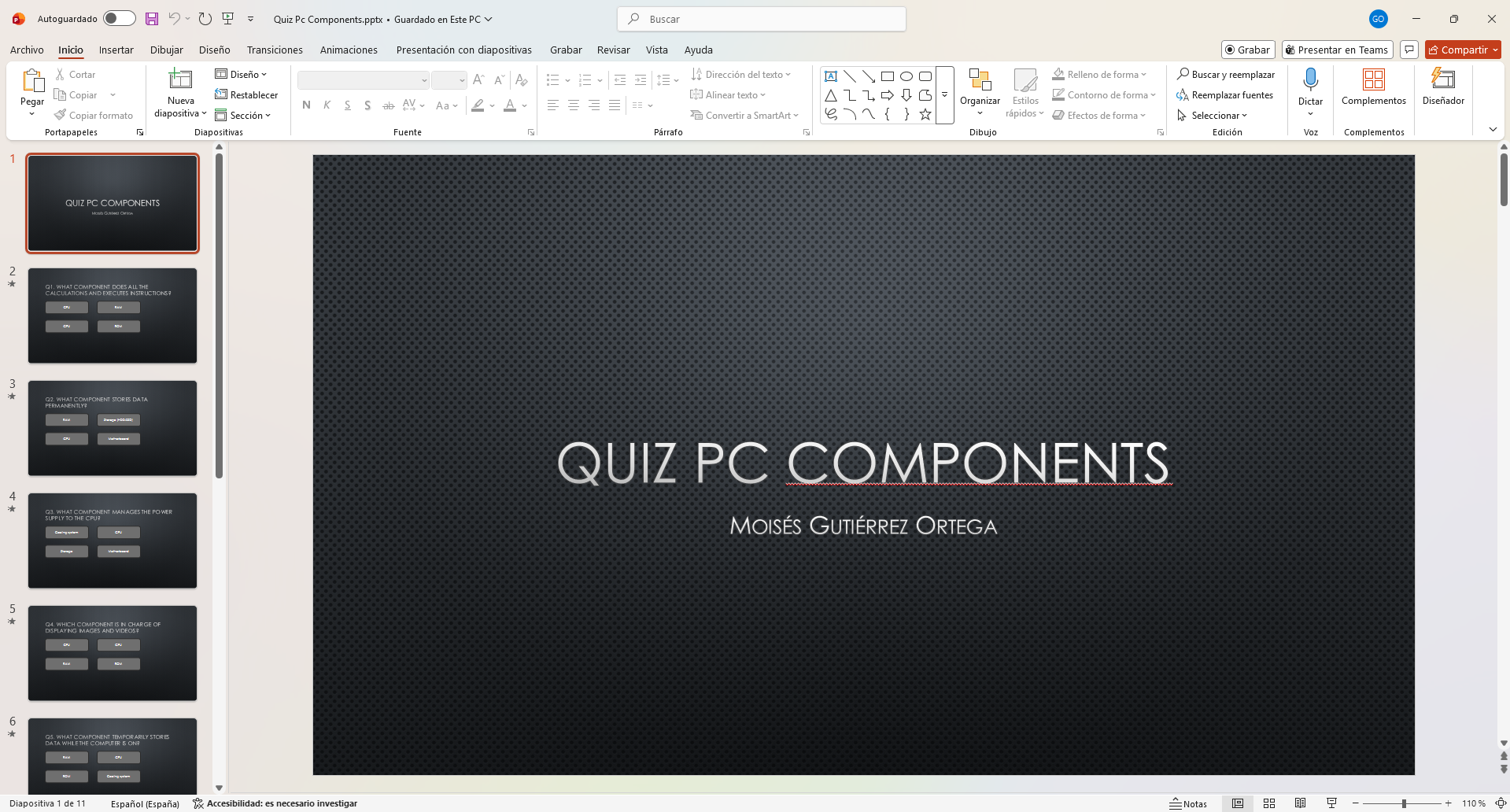
Quiz PC Components
Quiz PC Components β€” PowerPoint presentation
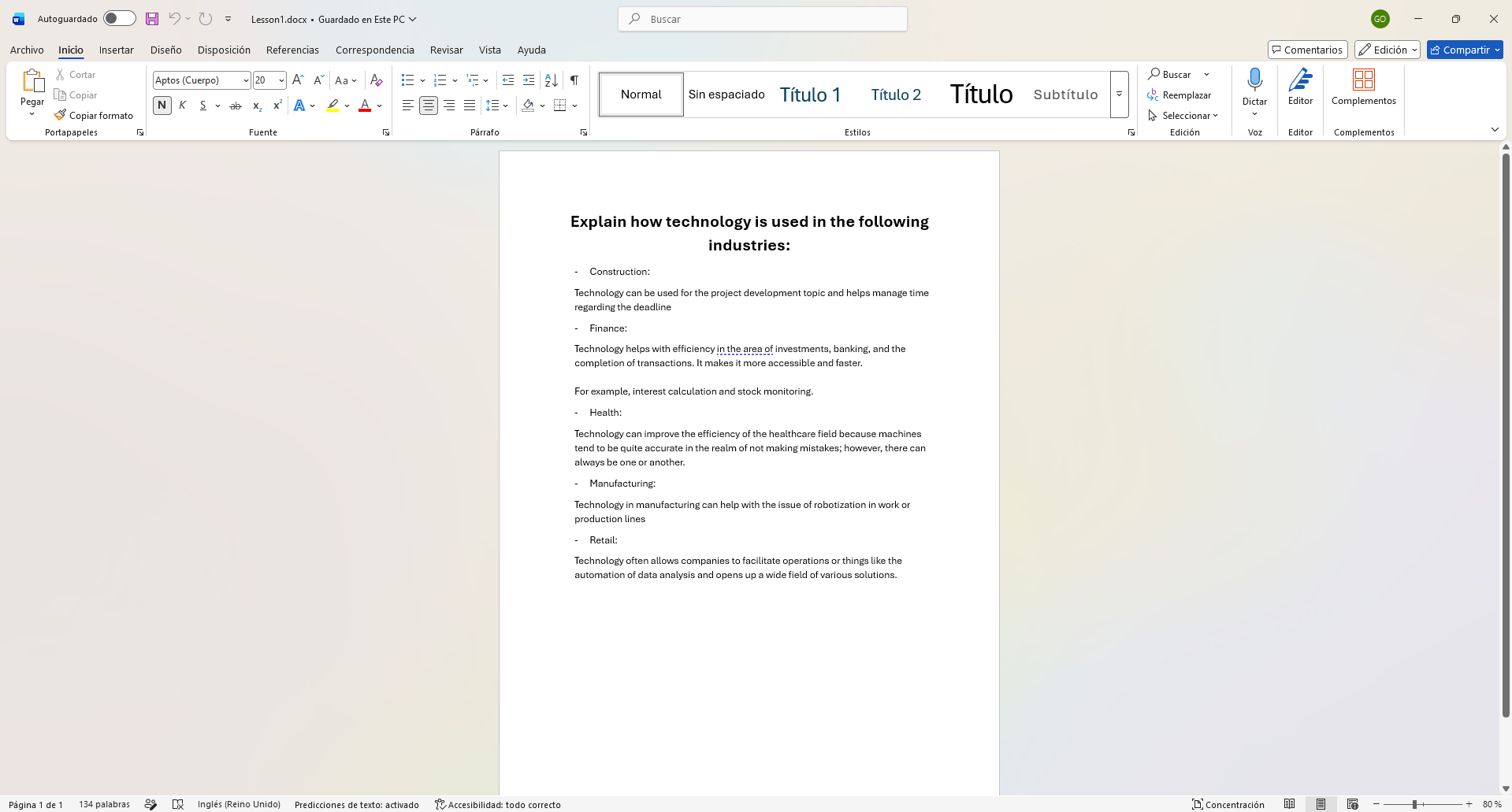
Lesson 1
Lesson 1 β€” introductory activity
// design work & posters
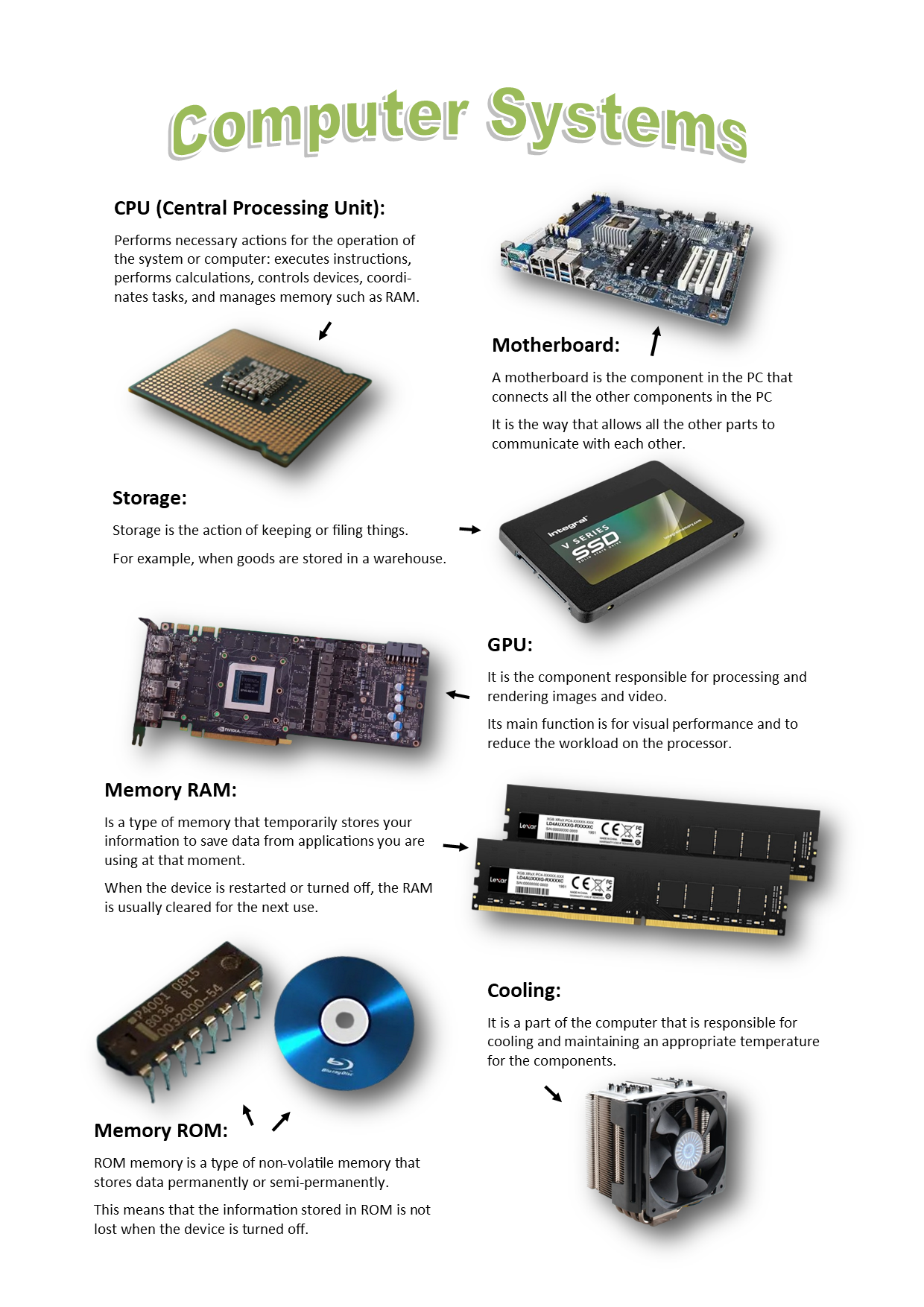
Computer Systems Poster
Computer Systems poster β€” created in Microsoft Publisher (CPU, Motherboard, GPU, RAM, ROM)
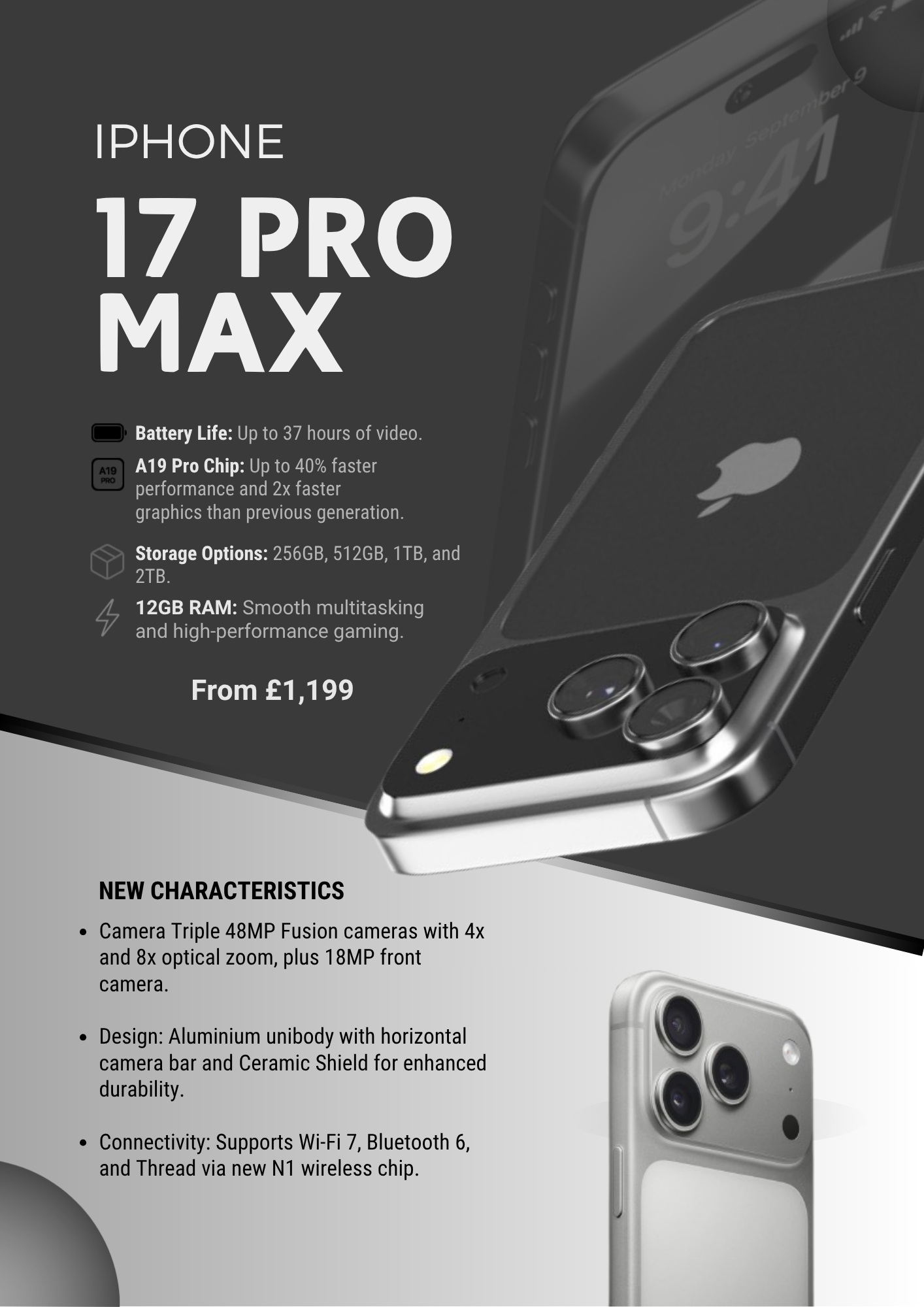
iPhone 17 Pro Max Poster
iPhone 17 Pro Max advertisement poster β€” saved as .png
// key skills gained from this unit

What I learned to do

Identify hardware components and explain their purpose (CPU, RAM, ROM, GPU, storage)
Understand the difference between system software and application software
Explain data types: integer, string, boolean, real
Define programming concepts: variables, declarations, assignments and constants
Design and produce a poster using Microsoft Publisher
Save files in appropriate formats (.docx, .pptx, .pub, .png)
← Unit 1: The Online World Unit 4: Animation β†’